
DCS: Kola Map by Orbx
Eagle Dynamics SA
Screenshots




App details
- Updated
- 3 May, 2024
- Language
- English 7 moreLanguagesEnglishGermanSpan...
- Developer
- Eagle Dynamics SA
- Category
- Mobile
SoftPas in:
This product is also available in the following languages:
About DCS: Kola Map by Orbx
Download DCS: Kola Map by Orbx – DCS Kola Map, Orbx, northern Norway, Sweden, Finland, Russia, Arctic Circle, military simulation, flight simulator, aerial combat, strategic operations, Cold War, contemporary warfare, terrain map, DCS World, flight campaign
Overview
The DCS: Kola Map by Orbx is a high-fidelity terrain expansion for the DCS World flight simulation platform, designed to immerse players in one of the most strategically significant regions on Earth. Covering over 1.35 million square kilometers, this map spans northern Norway, Sweden, Finland, and parts of Russia, with a strong emphasis on the Kola Peninsula—an area of enduring geopolitical importance. The terrain is meticulously crafted to reflect both the natural grandeur and military complexity of the Arctic Circle region. It enables users to conduct both contemporary and late-Cold War-era operations, offering a rich sandbox for aerial combat, reconnaissance, and strategic campaign play. The map serves as a critical tool for simulation enthusiasts seeking realism and depth in their flight experiences.
Target users include serious flight simulation hobbyists, military history enthusiasts, and players engaged in campaign-based missions. The map’s detailed infrastructure, accurate topography, and historically grounded military installations provide a foundation for immersive, scenario-driven gameplay. While the developer, Orbx, is known for high-quality terrain add-ons, specific background details were not provided. Real-world use cases include training simulations, mission planning exercises, and community-driven campaign development. Within the DCS World ecosystem, the Kola Map fills a vital niche by expanding the platform’s geographical depth and offering a region with unique environmental and strategic dynamics.
Key Features & Functionality
- Expansive Geographic Coverage: The map stretches approximately 1,400 km east to west and 1,000 km north to south, offering players a vast, contiguous terrain that mirrors real-world geography. This scale allows for long-range flight missions, extended patrol routes, and dynamic campaign progression.
- Detailed Military Installations: Orbx has included fully operational airfields and naval bases such as Murmansk and Severomorsk, which are central to Russia’s Northern Fleet. These installations are modeled with precision, supporting realistic mission scenarios involving air defense, strike operations, and fleet coordination.
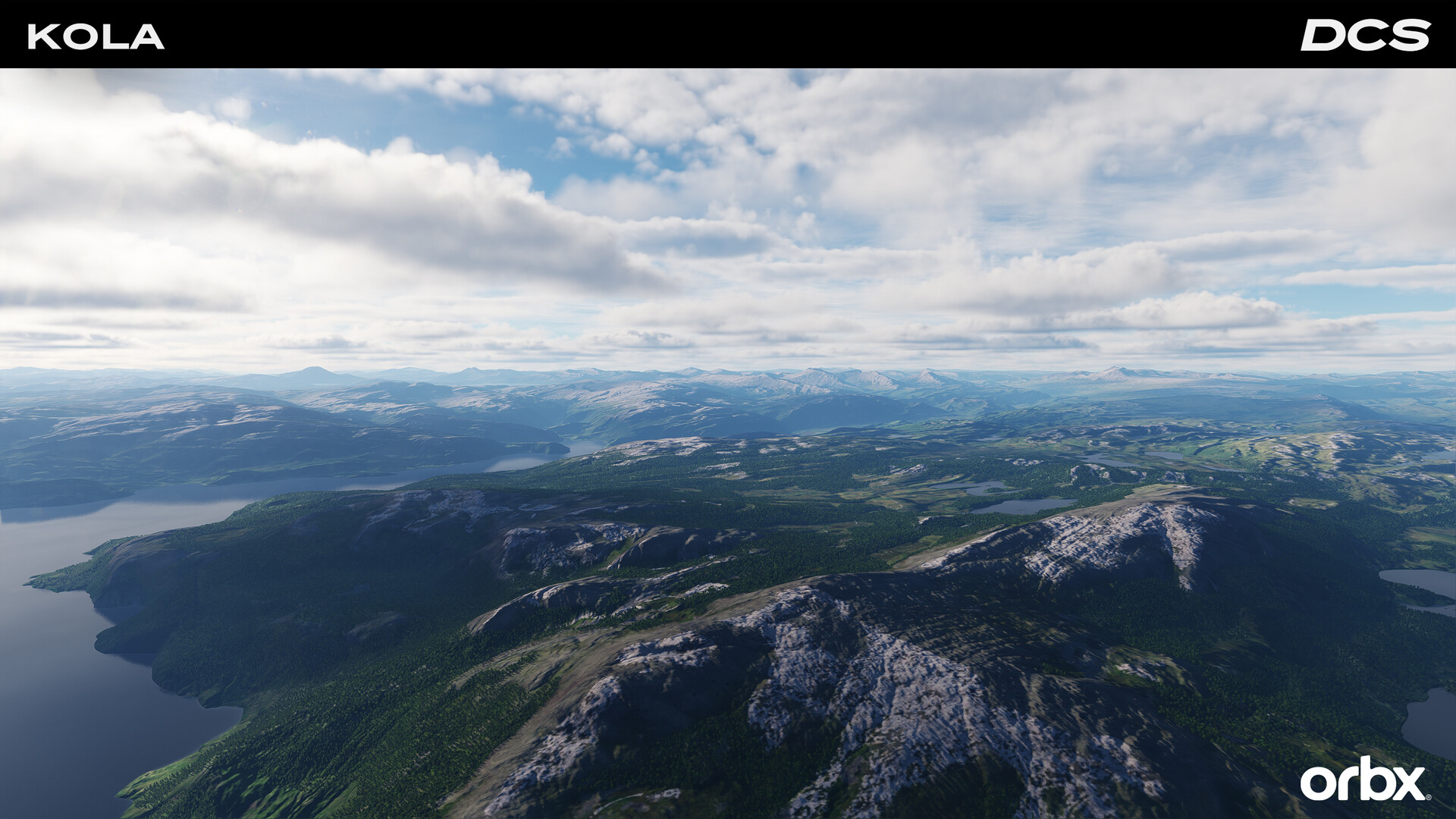
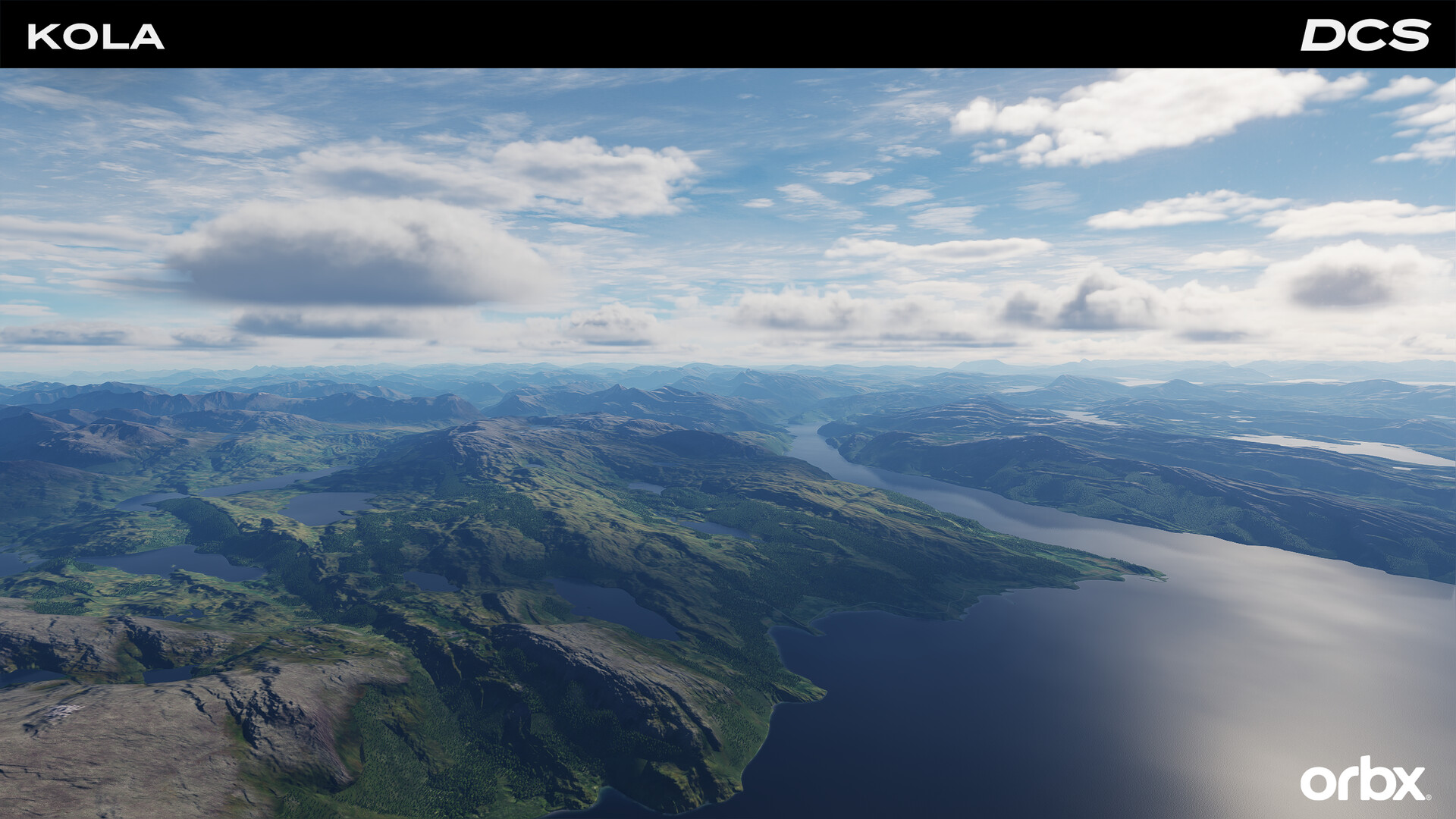
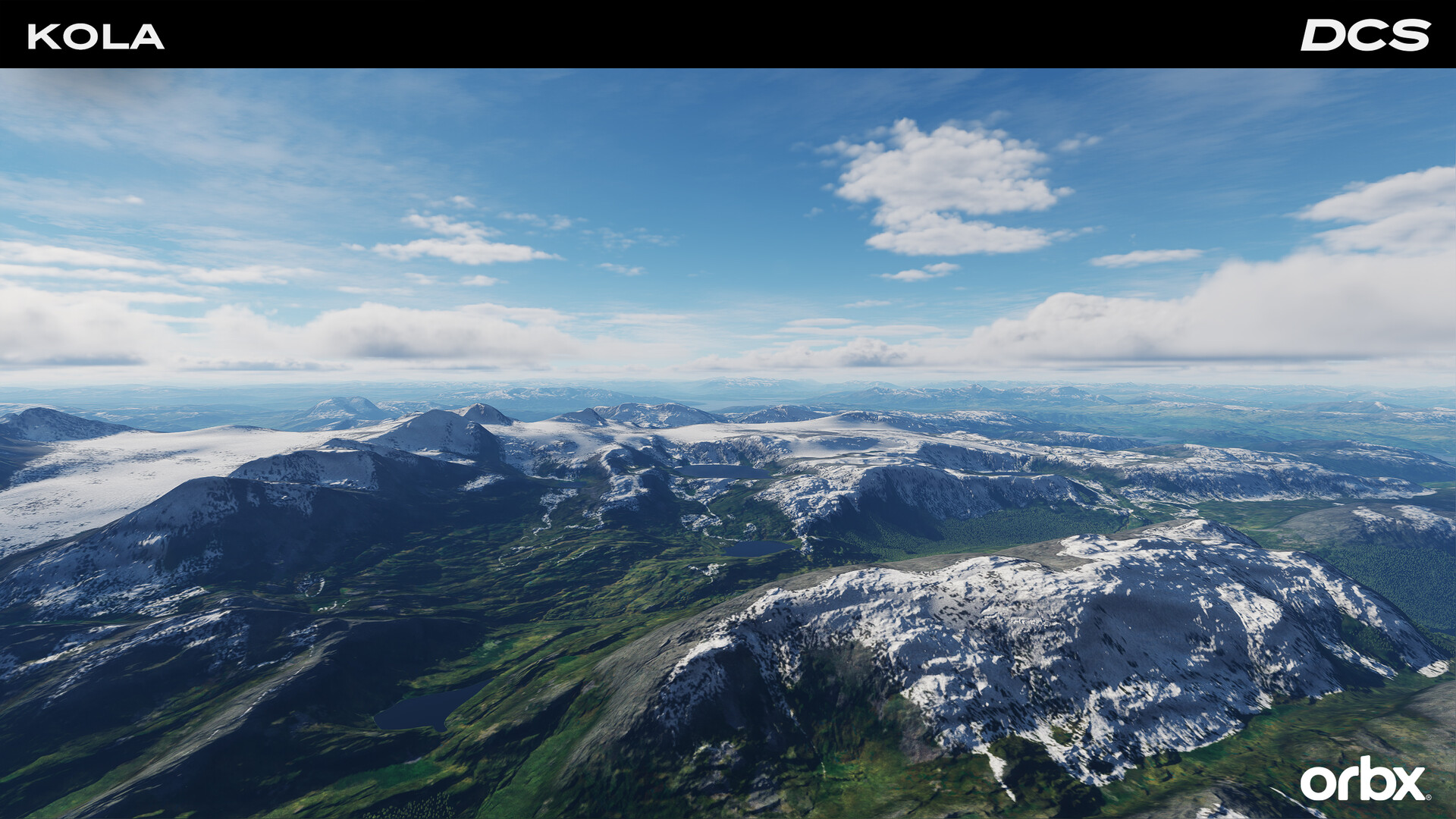
- Realistic Topography and Textures: The terrain features high-resolution elevation data, summer ground textures, lakes, rivers, and natural geographic features. Enhanced night lighting improves urban and base visibility, increasing immersion during nighttime operations.
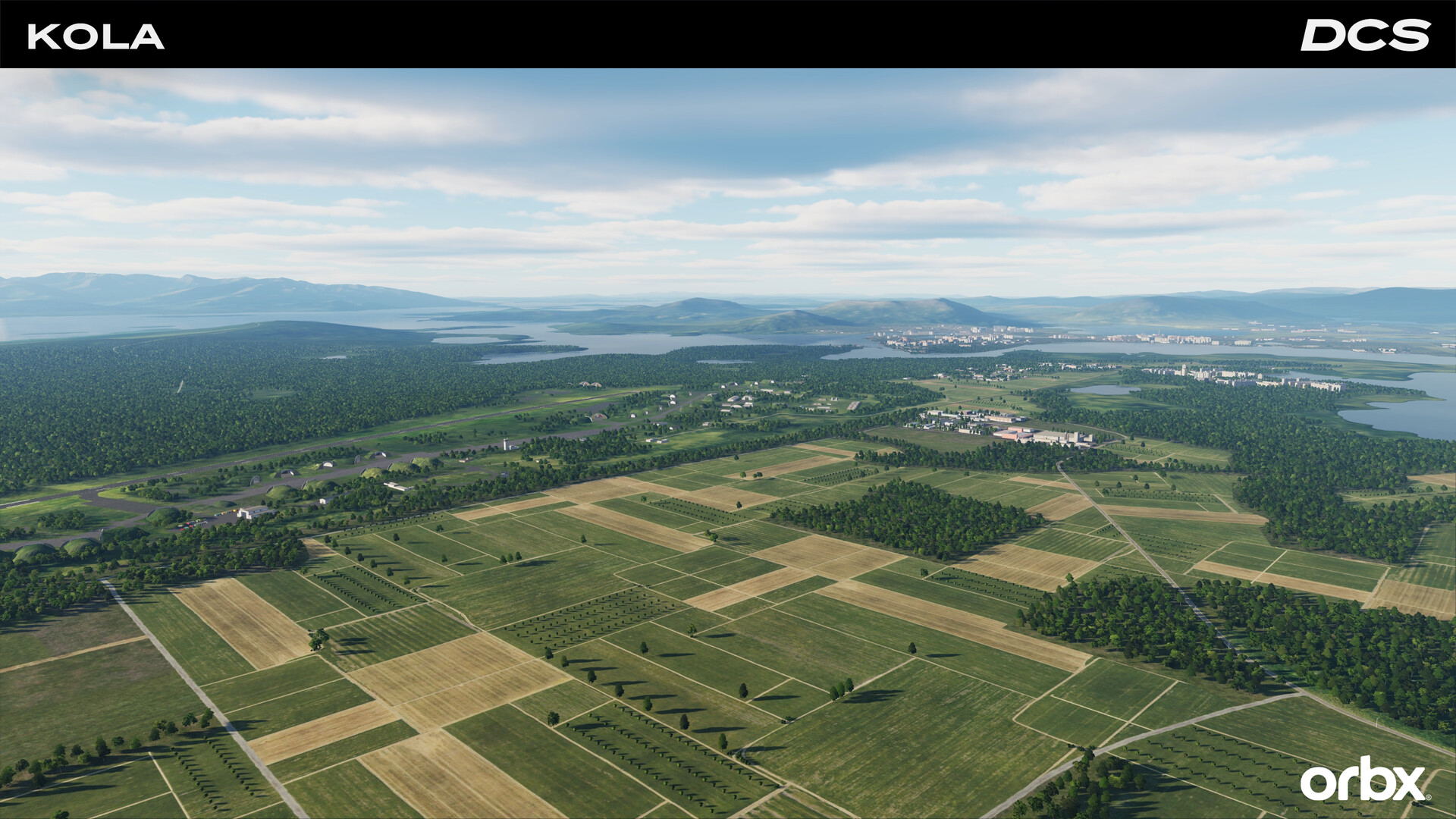
- Comprehensive Infrastructure: An extensive network of roads, railroads, bridges, industrial sites, ports, power stations, and hydro dams supports AI routing and adds authenticity to mission environments. This infrastructure enables complex logistics-based scenarios and realistic troop movement simulations.
- Future-Ready Winter Textures: Planned updates will introduce dynamic winter textures that adapt based on the mission date, ensuring seasonal realism. This feature enhances long-term replayability and environmental fidelity.
- Collaborative Campaign Development: Orbx is partnering with experienced mission designers like Baltic Dragon and Reflected Simulations to create tailored campaigns that leverage the map’s unique geography and military layout, ensuring a rich and evolving content ecosystem.
These features collectively enable users to simulate real-world military operations, from Cold War-era air defense drills to modern Arctic surveillance missions. The integration of civilian infrastructure with military assets creates a holistic environment where strategy, navigation, and combat converge.
Interface, UX & Performance
The user interface of the DCS: Kola Map is fully integrated into the DCS World platform, maintaining consistency with the core simulation’s design language. Navigation is intuitive, relying on the established DCS World HUD, map system, and mission editor tools. Players can access terrain data, mission objectives, and real-time telemetry through a clean, uncluttered interface that prioritizes functionality over visual flair.
Performance varies depending on hardware configuration, but the map is optimized for high-end systems given its 12.5 GB file size. Although the developer did not list formal performance metrics, users with capable GPUs and sufficient RAM should expect smooth frame rates during standard gameplay. The map’s loading times are typical for large terrain expansions, and responsiveness is maintained across different flight profiles and mission types.
Stability is a key strength, with no reported issues in the initial release. The map integrates seamlessly with DCS World’s existing systems, including AI behavior, weather simulation, and radar mechanics. Users can expect consistent performance across various mission durations and environmental conditions. The developer has not disclosed specific requirements for lower-end devices, but compatibility information was not fully disclosed.
Platform Compatibility & Technical Requirements
The DCS: Kola Map by Orbx is available exclusively for Windows, requiring the DCS World platform to function. The current version is 1.0.0, with a file size of 12.5 GB. This substantial size reflects the map’s high-resolution textures, detailed terrain data, and comprehensive infrastructure. The developer did not specify minimum OS requirements or hardware recommendations, nor did they provide details on compatibility with specific DCS World versions beyond the release date.
Given the map’s complexity and integration with the DCS World engine, users are advised to ensure their systems meet or exceed the recommended specifications for DCS World. The lack of detailed technical specifications means that compatibility with older or lower-end hardware remains uncertain. Users should consult the official DCS World documentation or community forums for optimal setup guidance.
Pros and Cons
Pros
- Extensive geographic coverage across four Nordic and Russian regions
- Highly detailed military installations with strategic relevance
- Realistic topography and dynamic lighting for enhanced immersion
- Comprehensive infrastructure network supporting AI and mission design
- Future updates planned with seasonal texture adaptation
- Collaboration with established campaign creators for rich content
Cons
- Large file size may be challenging for users with limited storage
- Platform limited to Windows, excluding mobile and console users
- Specific hardware and OS requirements not disclosed
- Price point of $39.99 may be high for casual users
- Requires DCS World platform for installation and use
FAQ
Is the DCS: Kola Map compatible with all versions of DCS World?
The developer did not specify compatibility details with particular DCS World versions. Users are advised to ensure their DCS World installation is up to date.
Can I install the map on mobile devices?
No, the DCS: Kola Map is designed exclusively for Windows and requires the DCS World simulation platform. It is not available for Android or iOS devices.
What is the file size of the map, and how much storage is needed?
The map has a file size of 12.5 GB. Users should ensure they have at least 15 GB of free space to accommodate installation and temporary files.
Are there any future updates planned for the map?
Yes, future updates will include dynamic winter textures that adapt based on mission dates. Additional content may be released through collaborations with campaign developers.
Is the map suitable for beginners in flight simulation?
The map is designed for intermediate to advanced users familiar with DCS World mechanics. Its complexity and focus on strategic operations may present a steep learning curve for newcomers.
Final Thoughts
The DCS: Kola Map by Orbx represents a significant advancement in digital terrain simulation, offering a meticulously crafted environment that blends natural beauty with military realism. Its expansive coverage, detailed infrastructure, and strategic depth make it a must-have for serious simulation enthusiasts and campaign developers alike. While the price and system requirements may limit accessibility, the value lies in the immersive, replayable experience it delivers. For players seeking authentic aerial combat scenarios in one of the world’s most geopolitically sensitive regions, this map is a powerful tool. Whether simulating Cold War tensions or modern Arctic operations, the Kola Map provides a rich, dynamic stage for flight missions.
Download DCS: Kola Map by Orbx now.
Guides & Tutorials
How to install DCS: Kola Map by Orbx
- Click the Download button above.
- Once redirected, accept the terms and click Install.
- Wait for the DCS: Kola Map by Orbx download to finish on your device.
How to use DCS: Kola Map by Orbx
This software is primarily used for its core features described above. Open the app after installation to explore its capabilities.
User Reviews
No reviews yet. Be the first to share your experience.
You may also like
more
Que no te pillen¡
About !Que no te pillen¡Reviewed by Jason A. BilbreyShow MoreShow Less

3D Combat Zone
About 3D Combat ZoneOriginally released in 1983, 3D Combat Zone immerses players...

666: El día del portal
About 666: El día del portalOn June 6, 2006, Agent P. Stone uncovers a sinister...

80 in 1 Best Flash games
About 80 in 1 Best Flash games 80 in 1 Best Flash games is a collection of 80 fl...

ABYSS SEEKERーーWhat Do You See Deep in The Abyss
About ABYSS SEEKERーーWhat Do You See Deep in The AbyssIn ABYSS SEEKER, players...

ACA NEOGEO THE KING OF FIGHTERS 2002 for Windows
About ACA NEOGEO THE KING OF FIGHTERS 2002 for WindowsTHE KING OF FIGHTERS 2002,...